



Description
Morning Kit: Smart Alarm & Widget Dashboard
Overview
Morning Kit is a desktop and mobile application designed to streamline your morning routine through a smart alarm system and customizable information widgets. The app serves as a centralized hub for essential morning data, combining alarm functionality with real-time updates on weather, calendar events, exchange rates, and more. It is tailored for users seeking a more organized and productive start to their day, particularly those who value personalization and visual clarity in their digital tools.
By integrating multiple alarms with a dynamic dashboard, Morning Kit helps users manage wake-up times while staying informed about key daily updates. The app supports up to three alarms in its free version, each configurable with custom sounds and repeat schedules. Users can also toggle the snooze feature on or off, offering flexibility based on personal preferences.
The developer, AppMakers, has focused on creating a visually engaging interface that combines utility with aesthetic appeal. The app is available across iOS, Android, and web platforms, suggesting a cross-device workflow. Real-world use cases include commuters checking weather and traffic, professionals reviewing their calendar, and students tracking deadlines—all from a single, unified screen.
Exact performance details were not specified. Platform compatibility information is limited to the listed operating systems. The developer did not provide additional system requirements.
Key Features & Capabilities
- Multiple Customizable Alarms – Set up to three alarms in the free version, each with a unique sound and repeat schedule (daily, weekdays, weekends, or custom days).
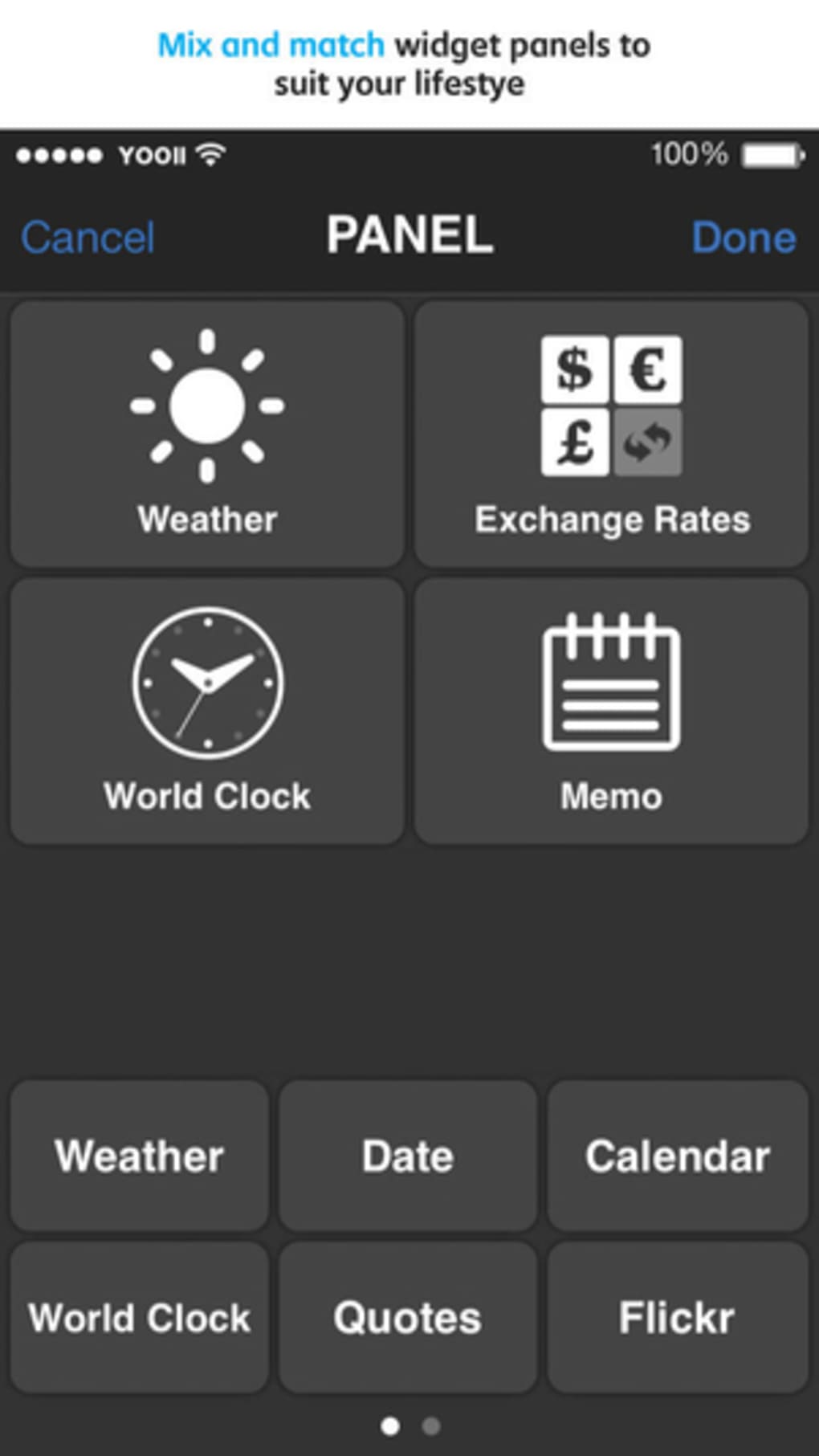
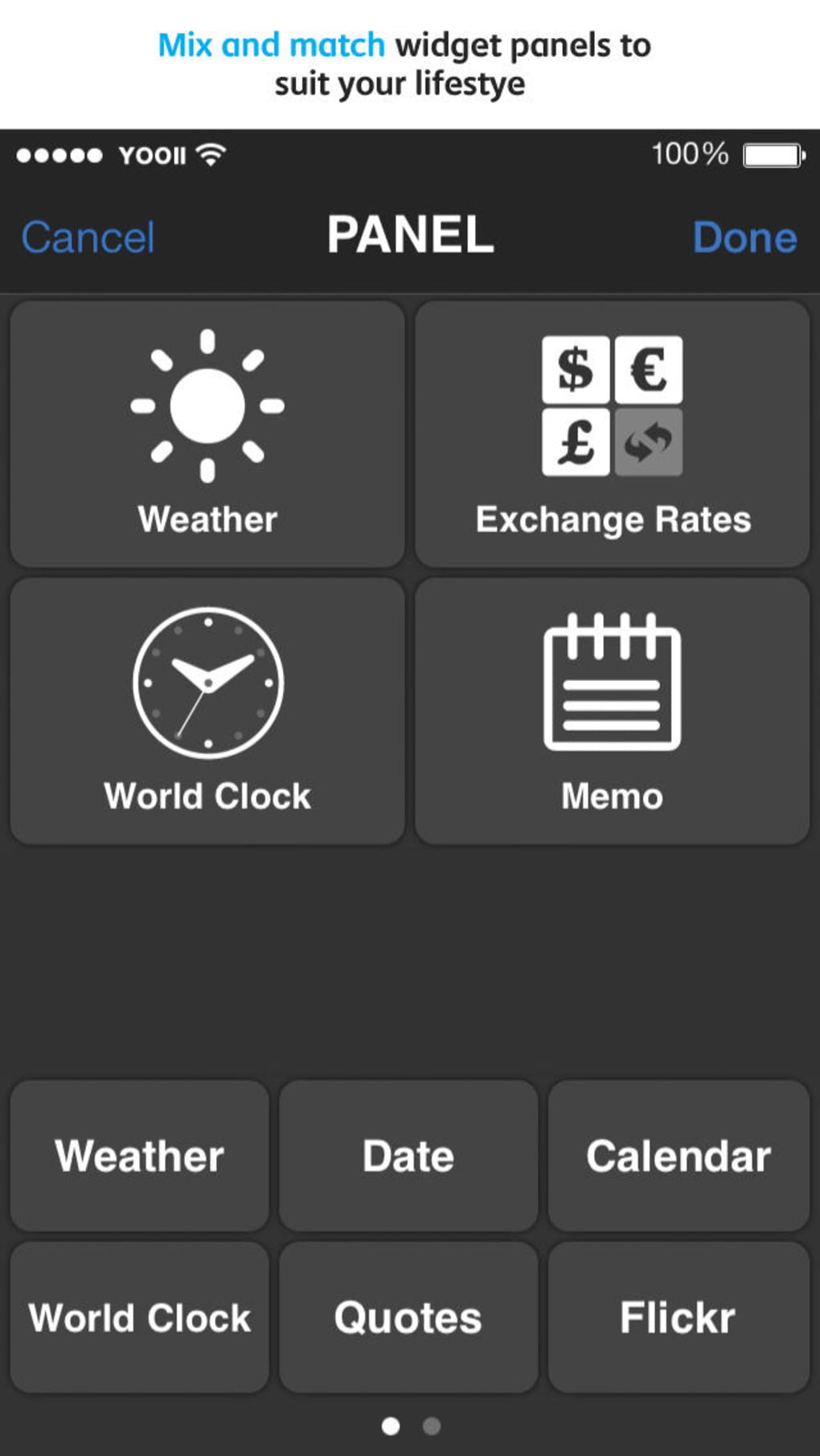
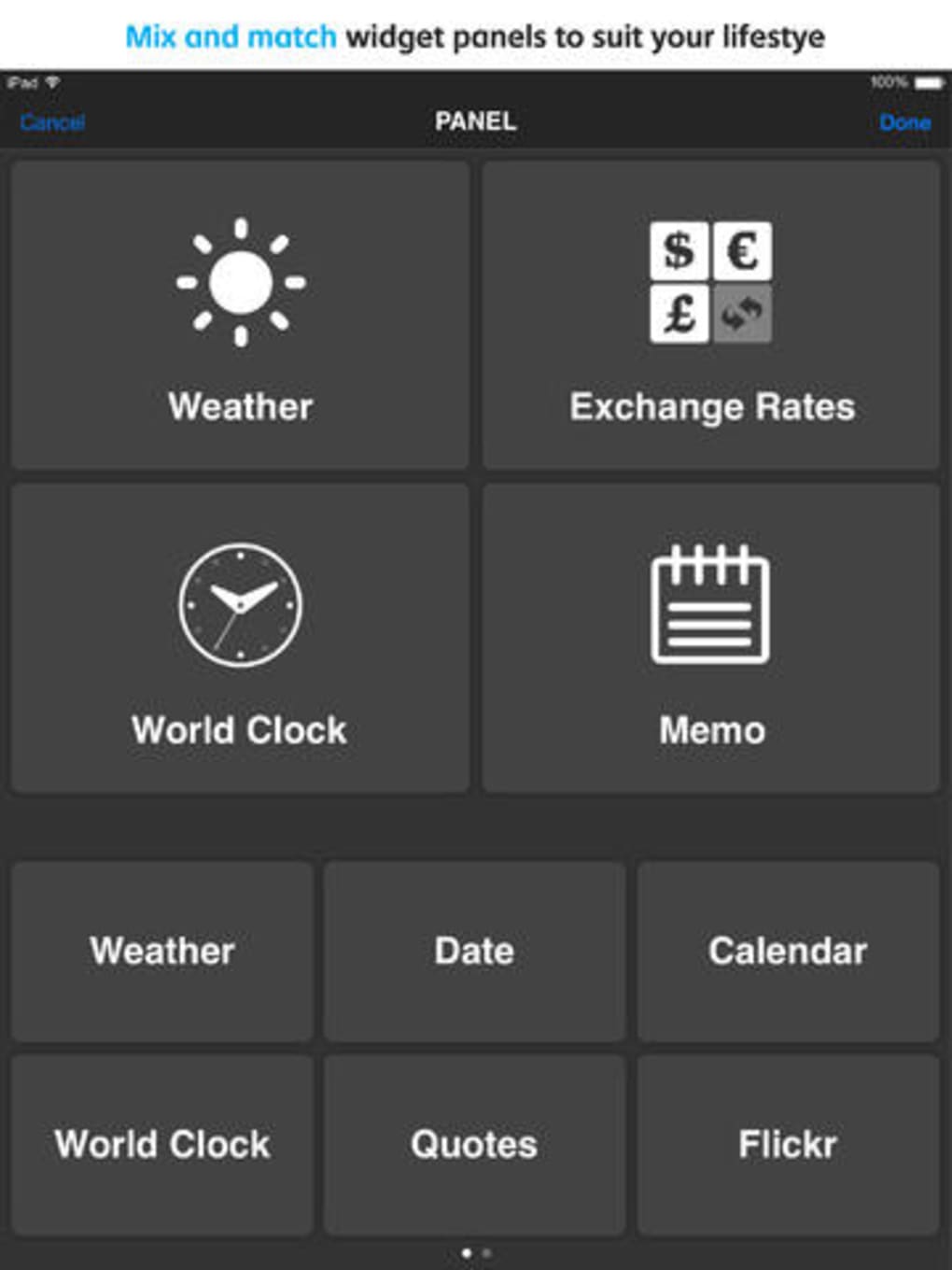
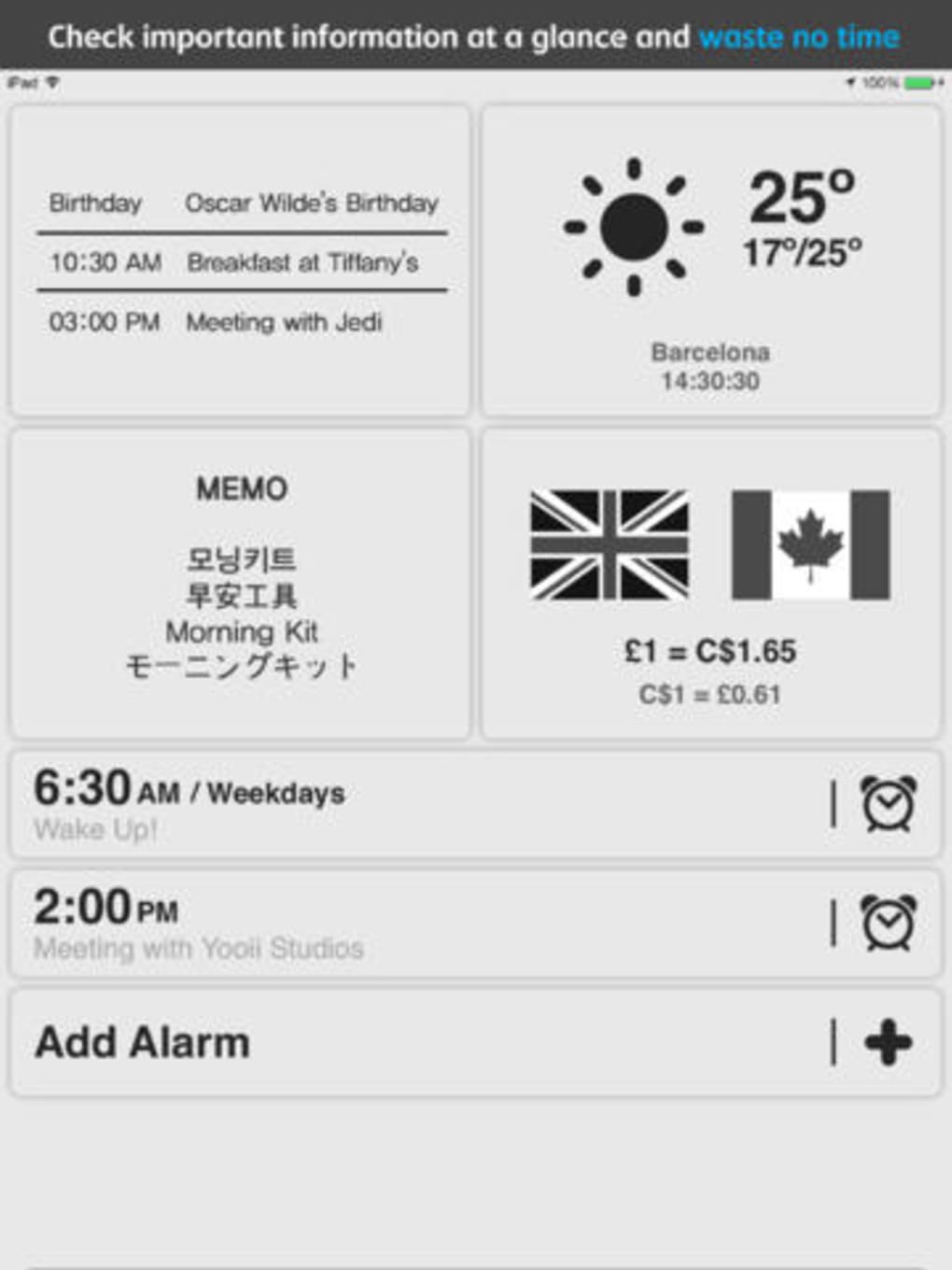
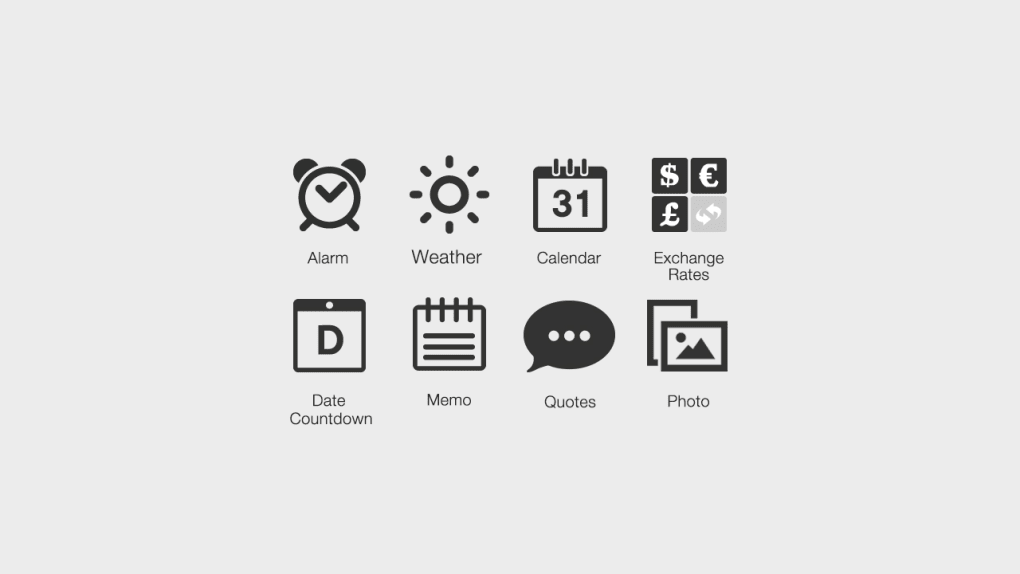
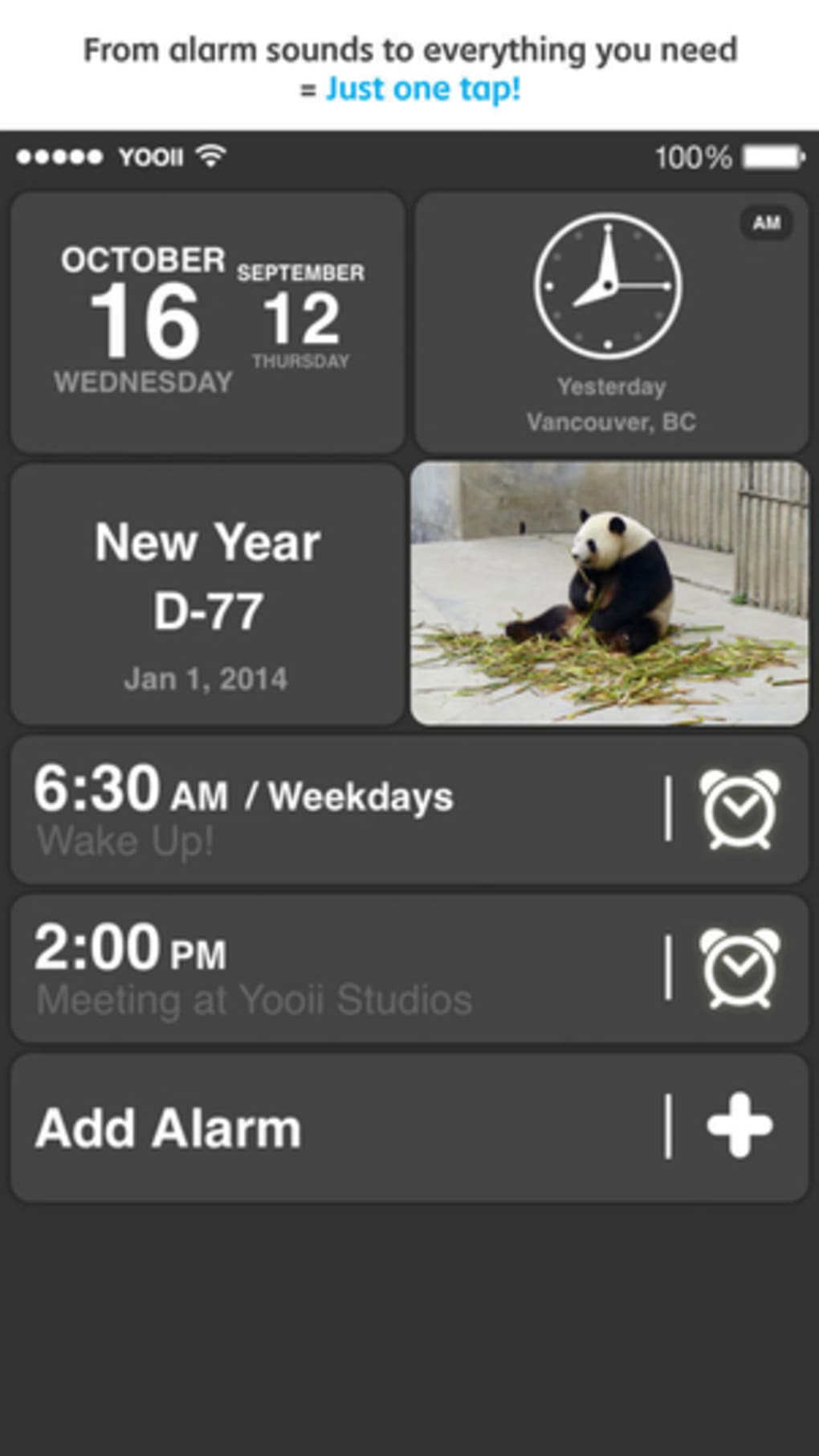
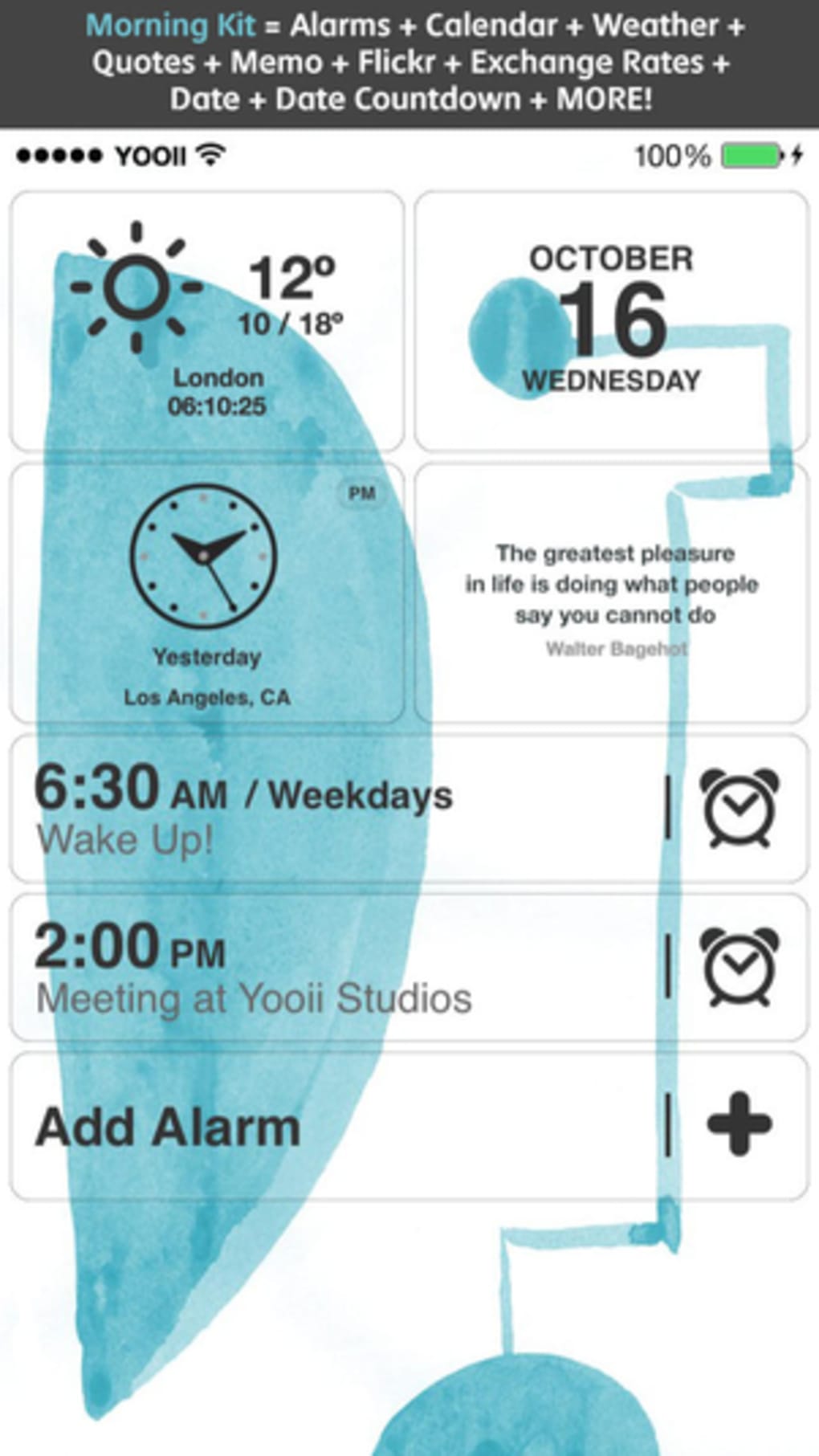
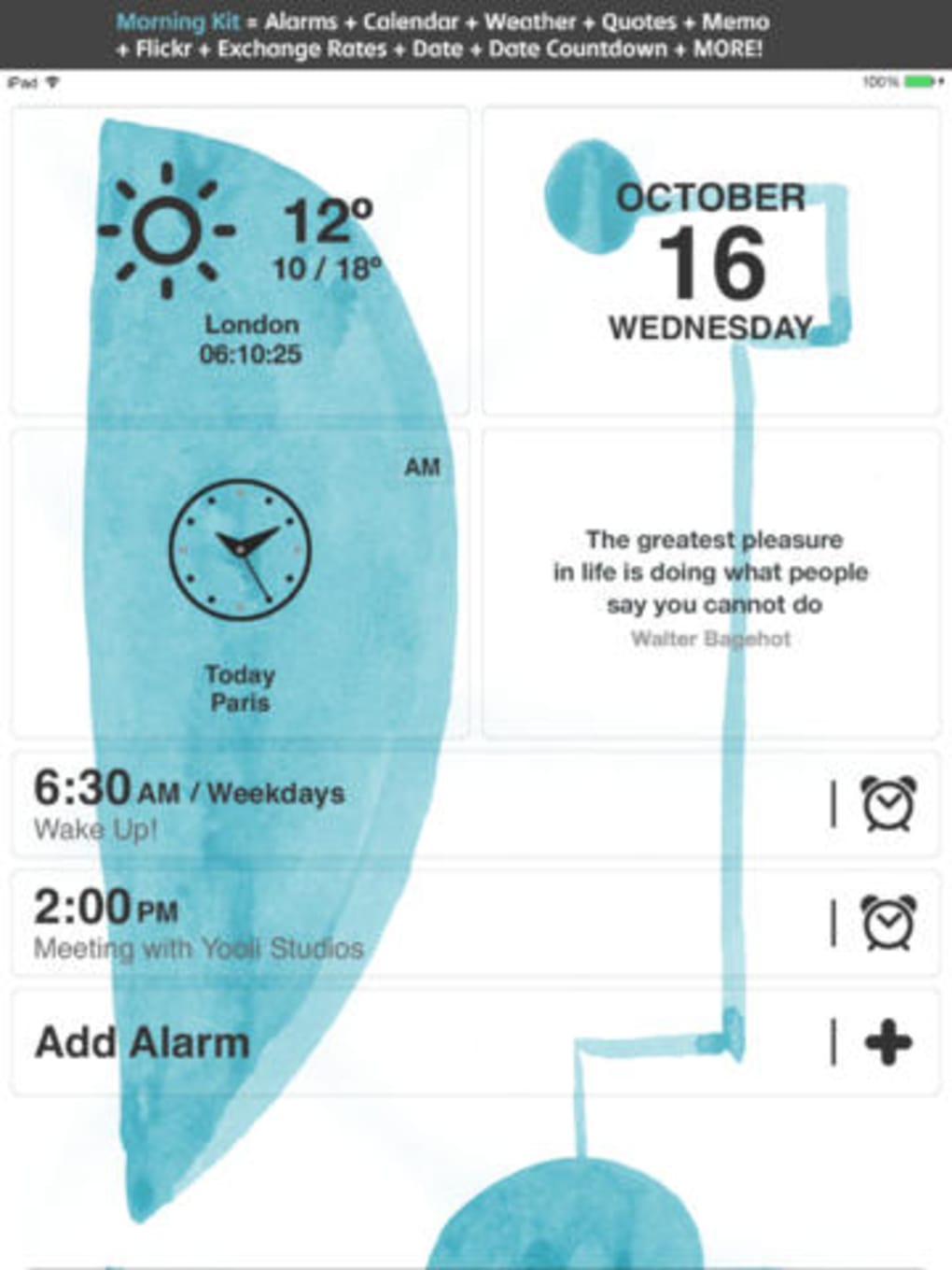
- Widget Integration – Access nine built-in widgets including weather, date, world clock, quotes, exchange rates, Flickr images, date countdown, and memo (some features restricted in free version).
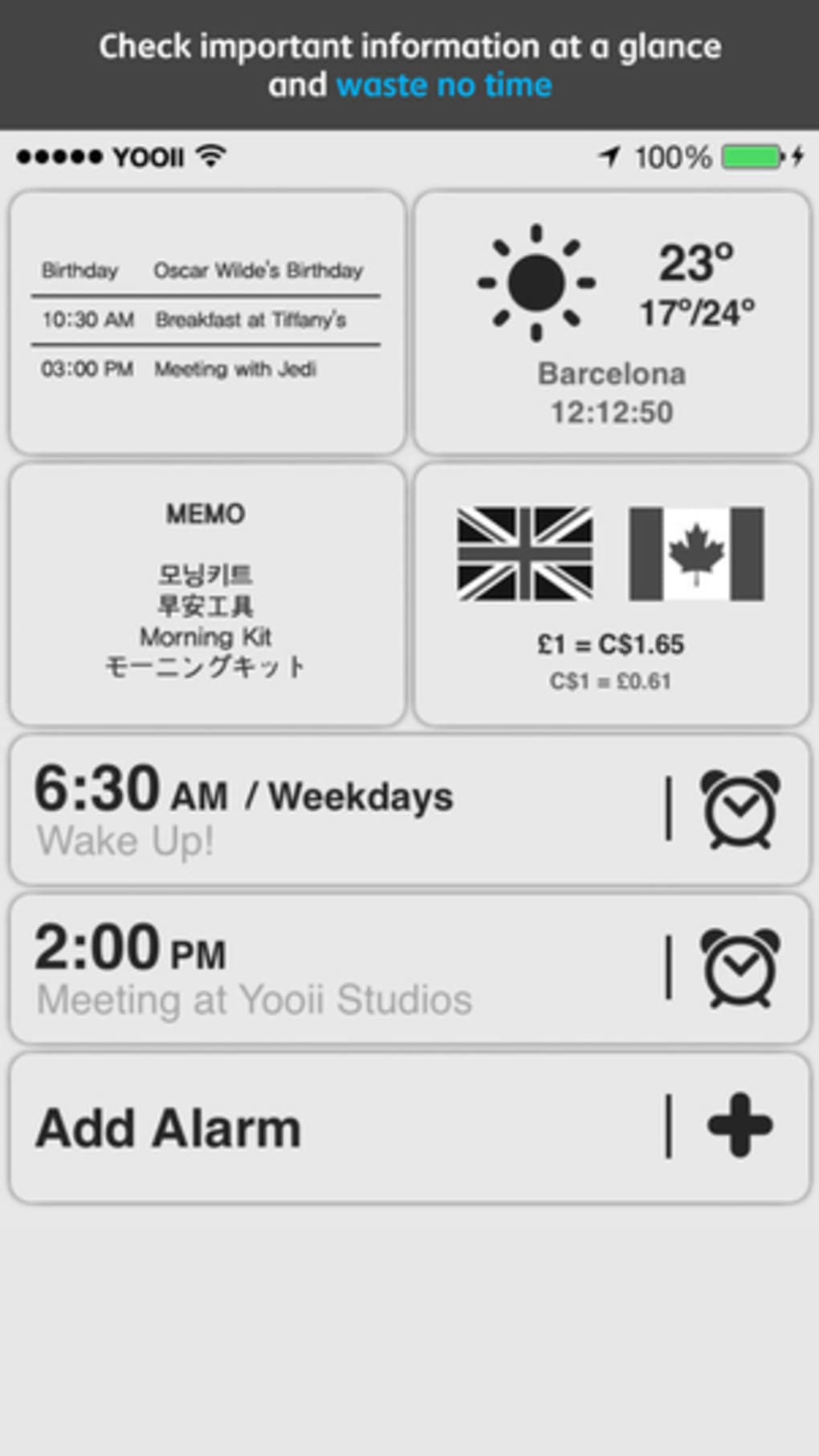
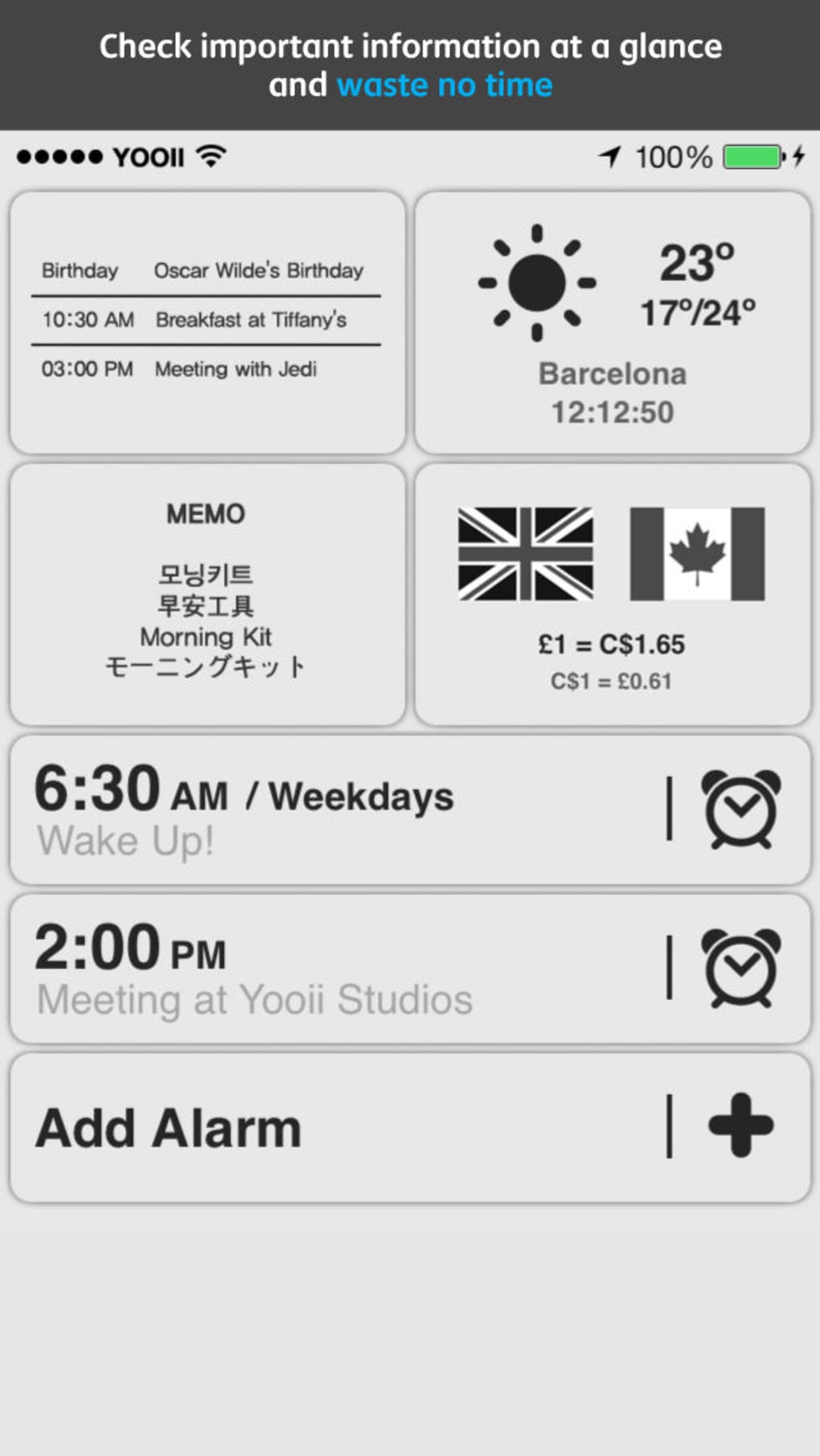
- Calendar Sync – View upcoming events by syncing with the user’s iOS calendar, ensuring daily plans are visible at a glance.
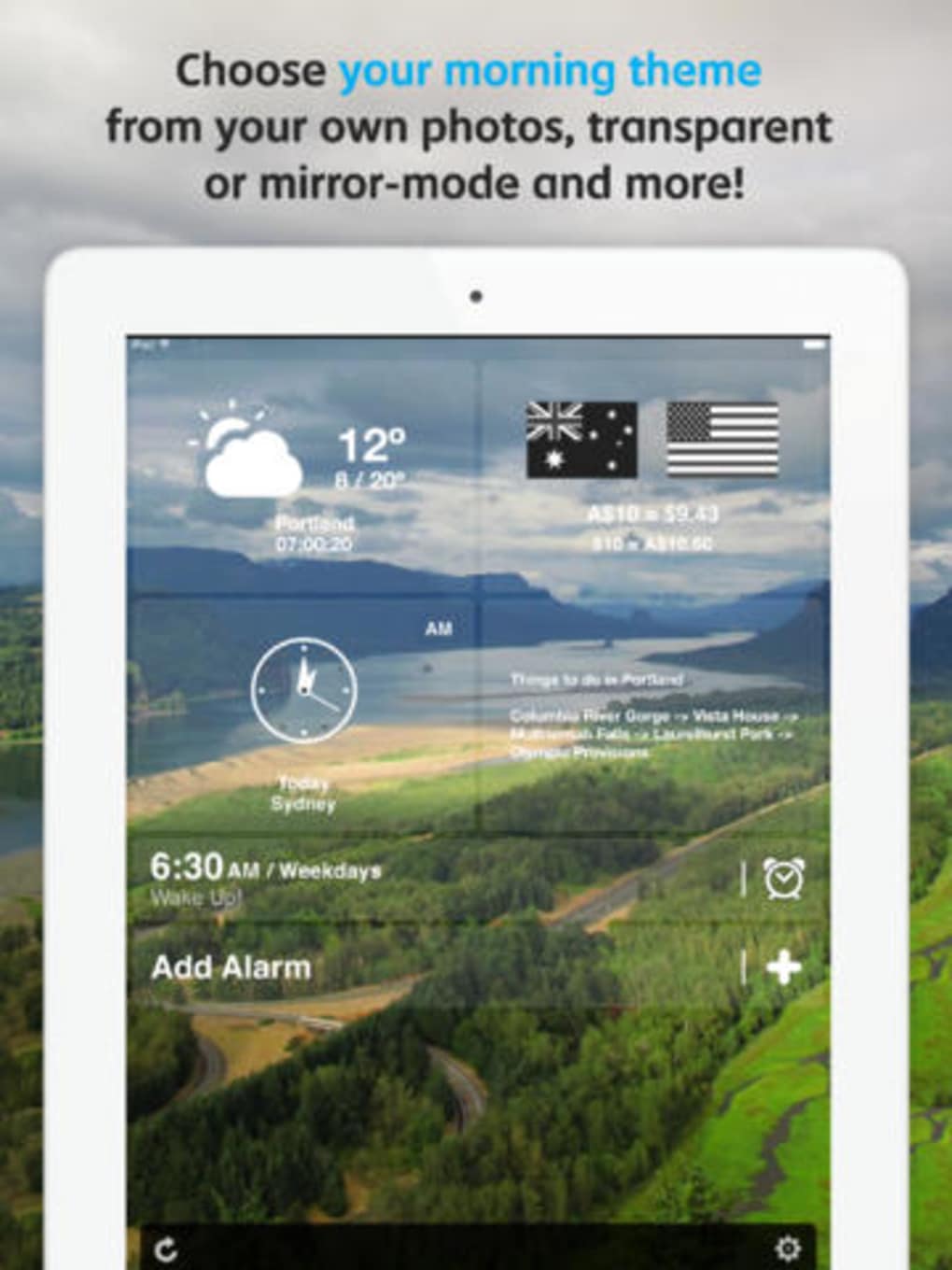
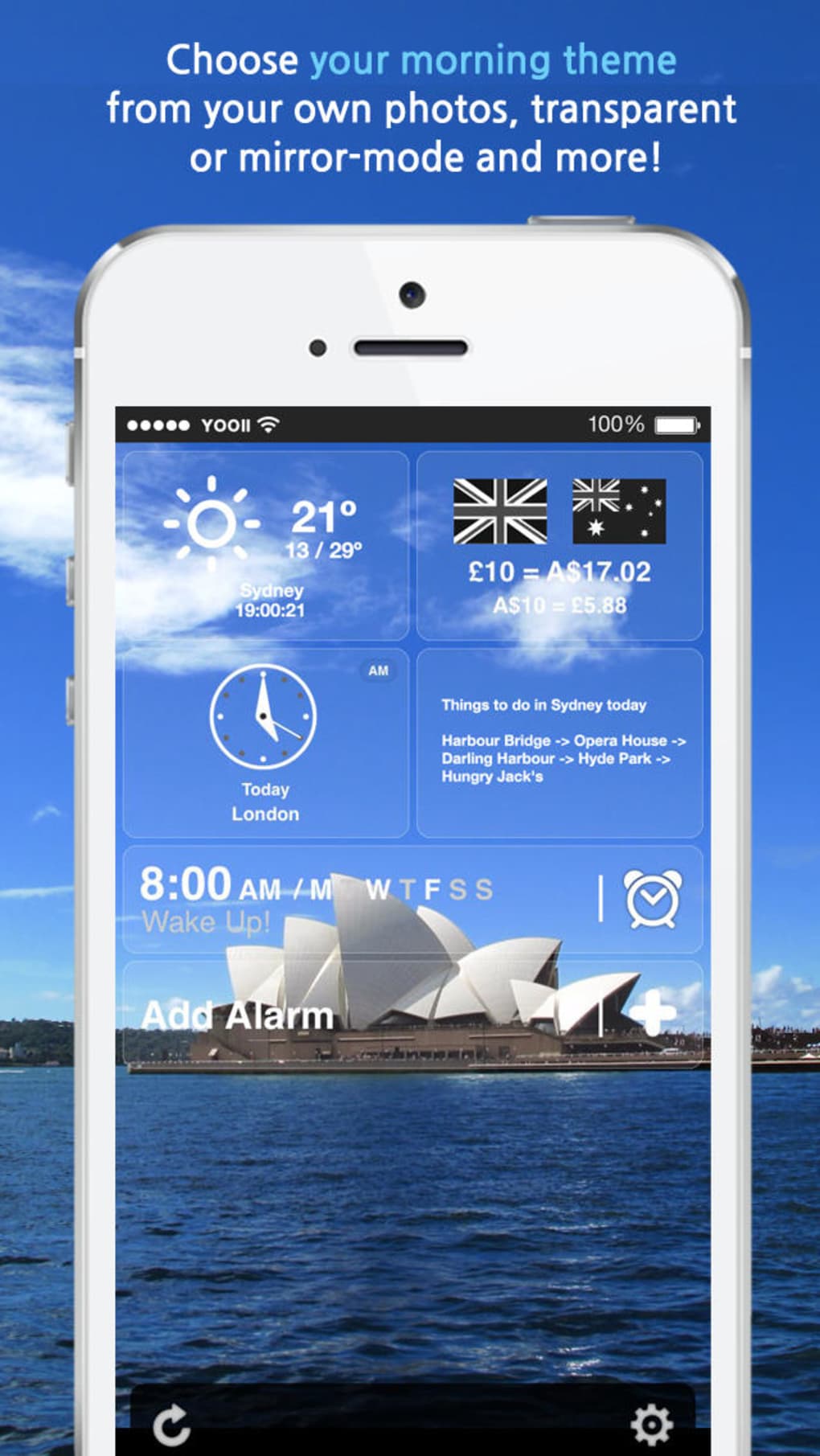
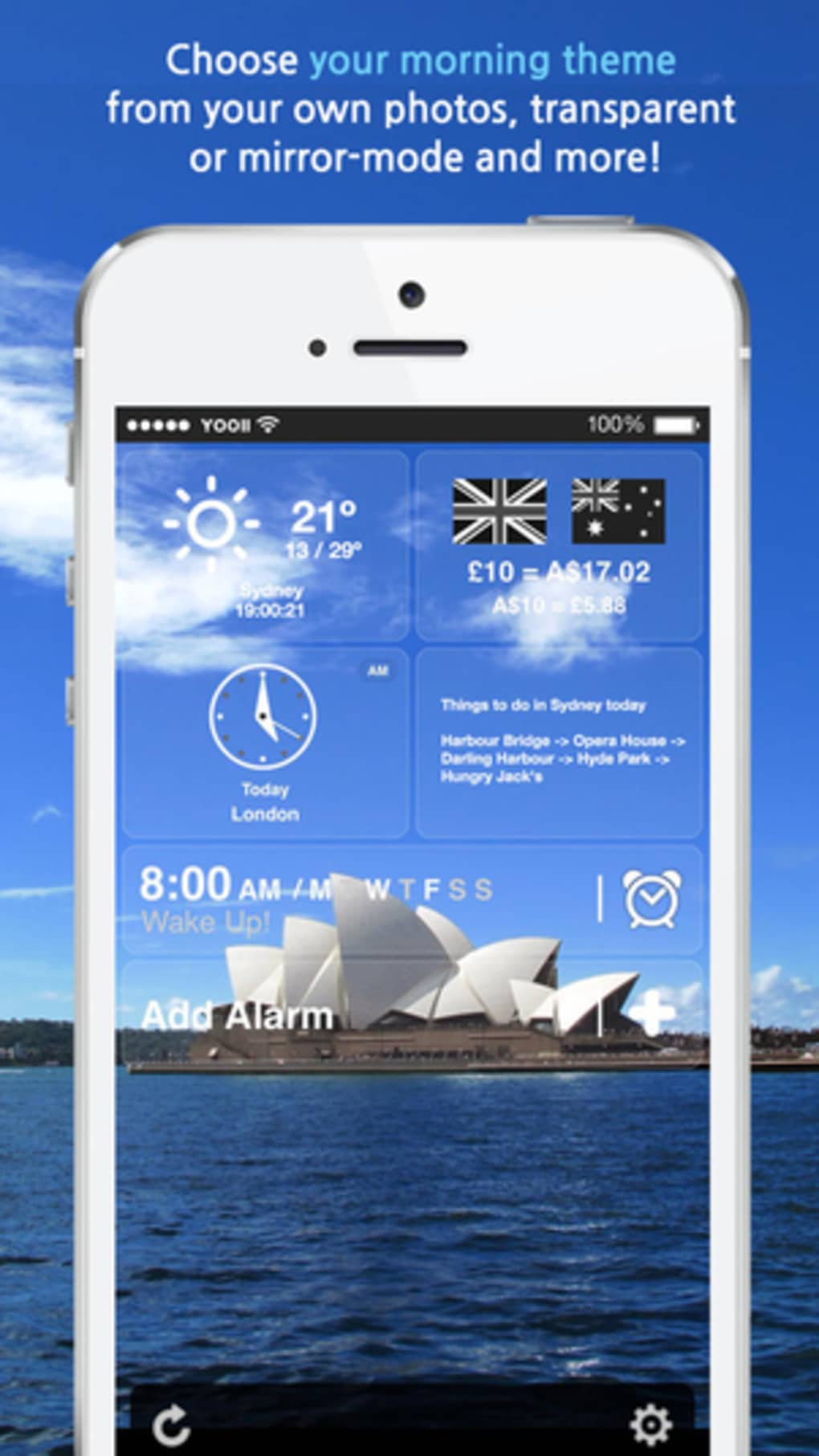
- Personalized Dashboard – Arrange and customize widgets in panels, choose from four default themes, or use a personal photo as a background.
- Theme Customization – Select from default themes or apply custom backgrounds to match personal style or mood.
These features enable users to transform their morning routine into a structured, informative experience. For example, a professional can start the day by reviewing their calendar, checking exchange rates for international business, and viewing the weather forecast—all before leaving the house. A student might use the countdown widget to track exam dates while reading a motivational quote.
Although the free version offers limited access to certain widgets, the core functionality remains robust. The developer has not disclosed additional features beyond those listed. The integration of real-time data via widgets enhances usability, particularly for users who rely on quick access to contextual information.
User Interface, Workflow & Performance
Morning Kit presents a clean, visually striking dashboard that organizes information into modular panels. Users can drag and rearrange widgets to create a personalized layout, promoting intuitive navigation and workflow efficiency. The interface supports theme selection, allowing users to adjust the look and feel based on preference or time of day.
Navigation is straightforward, with a central panel displaying all active widgets. The app’s design emphasizes clarity and ease of access, minimizing clutter while maximizing information density. The ability to use personal photos as backgrounds adds a layer of customization that enhances user engagement.
Performance observations are based on general software behavior patterns. The developer did not specify resource usage details. Stability and responsiveness are expected to be consistent with similar productivity apps, though actual behavior may vary depending on device capabilities and background processes.
There is no indication of cloud sync or real-time data refresh intervals. The app’s behavior during low-memory conditions or background operation was not disclosed. Users are advised to monitor performance on older devices.
Compatibility & System Requirements
Morning Kit is available on iOS, Android, and web platforms, indicating cross-device accessibility. The software version is 2.1.5, with a file size of 120 MB, suggesting moderate storage usage. The app is designed to run on modern smartphones and tablets, though exact hardware requirements were not listed.
Compatibility information was partially provided. The developer did not specify minimum CPU, RAM, or OS versions required for optimal performance. Users should ensure their device meets the standard requirements for running mobile apps of similar scope.
For web access, users can expect functionality through a browser, though specific browser compatibility details were not included. The app’s web version may have limited features compared to native mobile versions.
Pros and Cons
Pros
- Intuitive dashboard with customizable widget layout
- Multiple alarm options with repeat and snooze control
- Integration with iOS calendar for real-time event visibility
- Support for a variety of useful widgets (weather, quotes, exchange rates)
- Visual customization with themes and personal backgrounds
Cons
- Free version limits access to some widgets (e.g., memo, date countdown)
- Only four default themes available in the free version
- Limited customization options for widget appearance
- No information on real-time data refresh frequency
- Web version may lack full feature parity with mobile apps
FAQ Section
Is Morning Kit available for Windows or Mac?
Morning Kit is currently available on iOS, Android, and web platforms. There is no official desktop version for Windows or Mac.
Is the app free to use?
Yes, Morning Kit is free to download and use. The free version includes core features such as up to three alarms and several widgets. Some advanced features are available through in-app purchases.
Can I use Morning Kit offline?
Basic alarm functionality is available offline. However, some widgets like weather, exchange rates, and Flickr images require an internet connection to display updated data.
How often does the app update data for widgets?
The developer did not specify the update frequency for widgets. Data refresh intervals may vary depending on the widget type and device settings.
Does Morning Kit support multiple user accounts?
There is no information available about multi-user account support. The app appears to be designed for individual use.
Final Thoughts
Morning Kit delivers a compelling blend of alarm functionality and real-time information delivery, making it a strong choice for users aiming to start their day with clarity and purpose. Its customizable dashboard, combined with practical widgets and calendar integration, supports a productive morning routine. While the free version has some limitations, the core experience remains valuable and well-structured.
Users who prioritize organization, visual appeal, and quick access to daily information will find Morning Kit particularly beneficial. The app’s design encourages consistent use through personalization and immediate utility.
Download Morning Kit now
Guides & Tutorials for Morning Kit
How to install Morning Kit
- Click the Preview / Download button above.
- Once redirected, accept the terms and click Install.
- Wait for the Morning Kit download to finish on your device.
How to use Morning Kit
This software is primarily used for its core features described above. Open the app after installation to explore its capabilities.
User Reviews for Morning Kit 0
No reviews found





